
Kuber ODI
On-Device Intelligence
Kuber ODI is your digital Munimji that lives inside your phone. It doesn't need the cloud, it doesn't need the internet—it just needs your voice.
Why Offline Matters?
Zero Latency
Kuber processes your voice commands instantly. Since there's no server involved, the response is immediate, making billing lightning fast even in crowded stores.
Ultimate Privacy
Your business data, transactions, and voice records stay on your device. Kuber doesn't send your sensitive information to any external server.
Works Everywhere
Whether your shop is in a basement or a remote village with poor network, Kuber ODI is always ready to assist you.
Local Database
Kuber understands your unique inventory and customer list because it's indexed locally on your phone for high-speed retrieval.
What can Kuber do?
A complete suite of intelligent actions to manage your business operations.
Fast Sales
Lightning-fast billing by just naming items. Kuber automatically adds them to the cart while you focus on the customer.
Voice Transactions
Just say 'Record ₹500 from Amit' or 'Add ₹200 expense for Chai' and Kuber does the rest.
Smart Search
Find any product, bill, or customer instantly using voice or text without scrolling through long lists.
WhatsApp Magic
Ask Kuber to 'Send pending payment link to Sushil' and it prepares a personalized message automatically.
Daily Galla Report
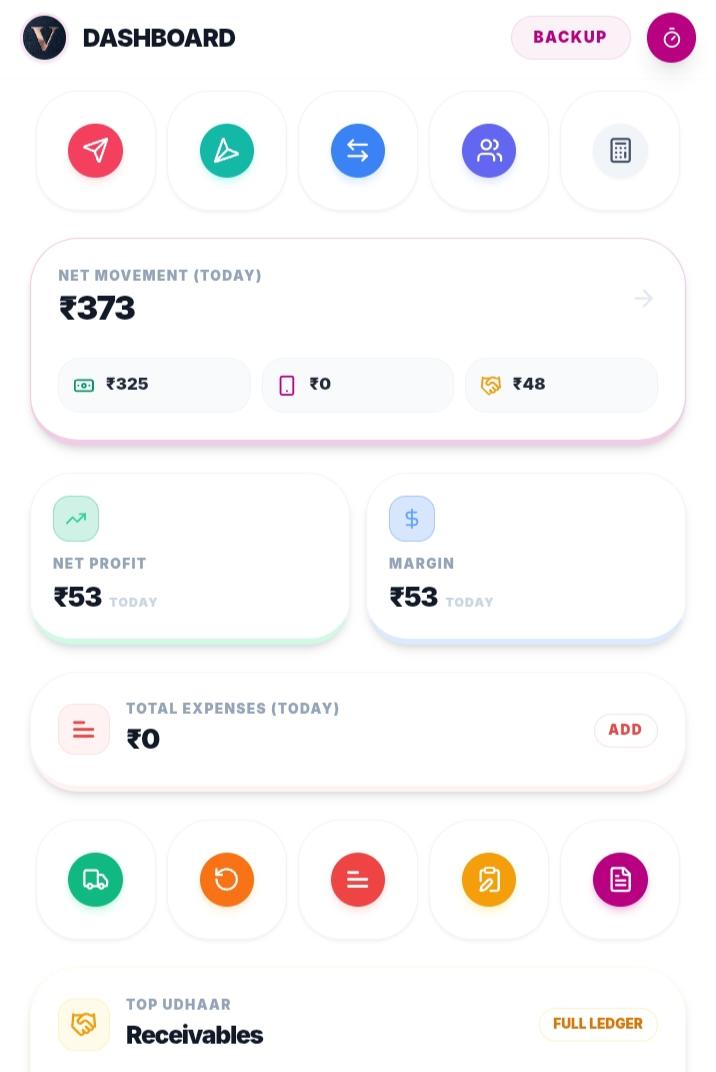
Ask 'What is today's total cash?' and get a breakdown of cash, UPI, and credit sales instantly.
Stock Alerts
Kuber monitors your stock levels and warns you: 'Warning: Parle-G stock is low, only 5 units left'.
How to talk to Kuber?
Tap the Mic
Look for the floating Kuber mic icon on your billing screen or dashboard.
Speak Naturally
Speak like you talk to your partner. 'Record 2 cold drinks sold to Rajesh'. Kuber will prepare the bill instantly.
Manual Checkout
Review the items Kuber added. Once satisfied, you must manually select the payment mode (Cash, UPI, or Udhaar) to complete the sale.
Confirm & Record
Check the final details and tap 'Record' to save it permanently in your digital ledger.
Important Note on Checkout
Kuber ODI handles the heavy lifting of product selection and calculation (Fast Sales), but for security and accuracy, the final Checkout Step (choosing between Cash, UPI, or Udhaar) remains in your control. This ensures your accounts are always perfectly matched with your actual cash flow.
Example Commands
- • "Record ₹12,000 received from Sushil Gupta"
- • "Show my profit for this week"
- • "Which items are expiring this month?"
- • "Send payment reminder to Amit on WhatsApp"